5 Headless CMS Benefits That Actually Matter for Small Business Sites
Search “headless CMS benefits” and nearly every result opens with omnichannel content delivery and multi-brand publishing reuse. Those are real benefits, for a company running five properties across three brands. They don’t mean much if you’re running one website for one small business.
I went looking for the version of this list written at the scale most of our clients actually operate at, and it doesn’t really exist yet. So here are the five benefits that hold up when you’re running a single small-business site, with the caveats each one honestly deserves.
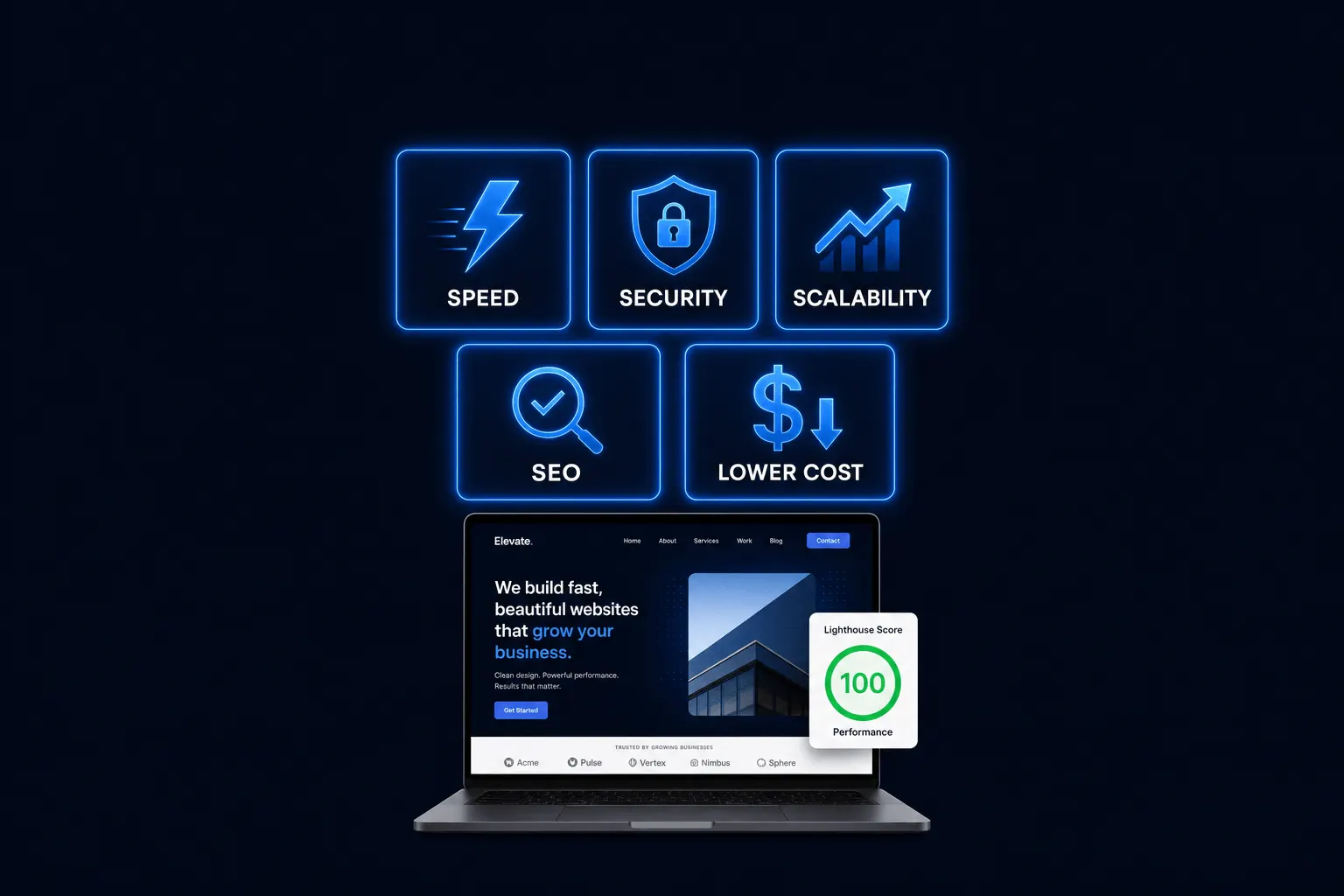
Key Takeaways: Most published headless CMS benefit lists lean on enterprise wins, omnichannel delivery, multi-brand publishing, headless commerce at scale, that don’t apply to a single small-business website. The benefits that actually matter at that scale are narrower: faster page loads, a smaller security footprint, hosting that handles traffic spikes, easier long-term redesigns, and cleaner separation between content and design. This post covers those five, with the caveats each one deserves.
1. Pages Load Meaningfully Faster
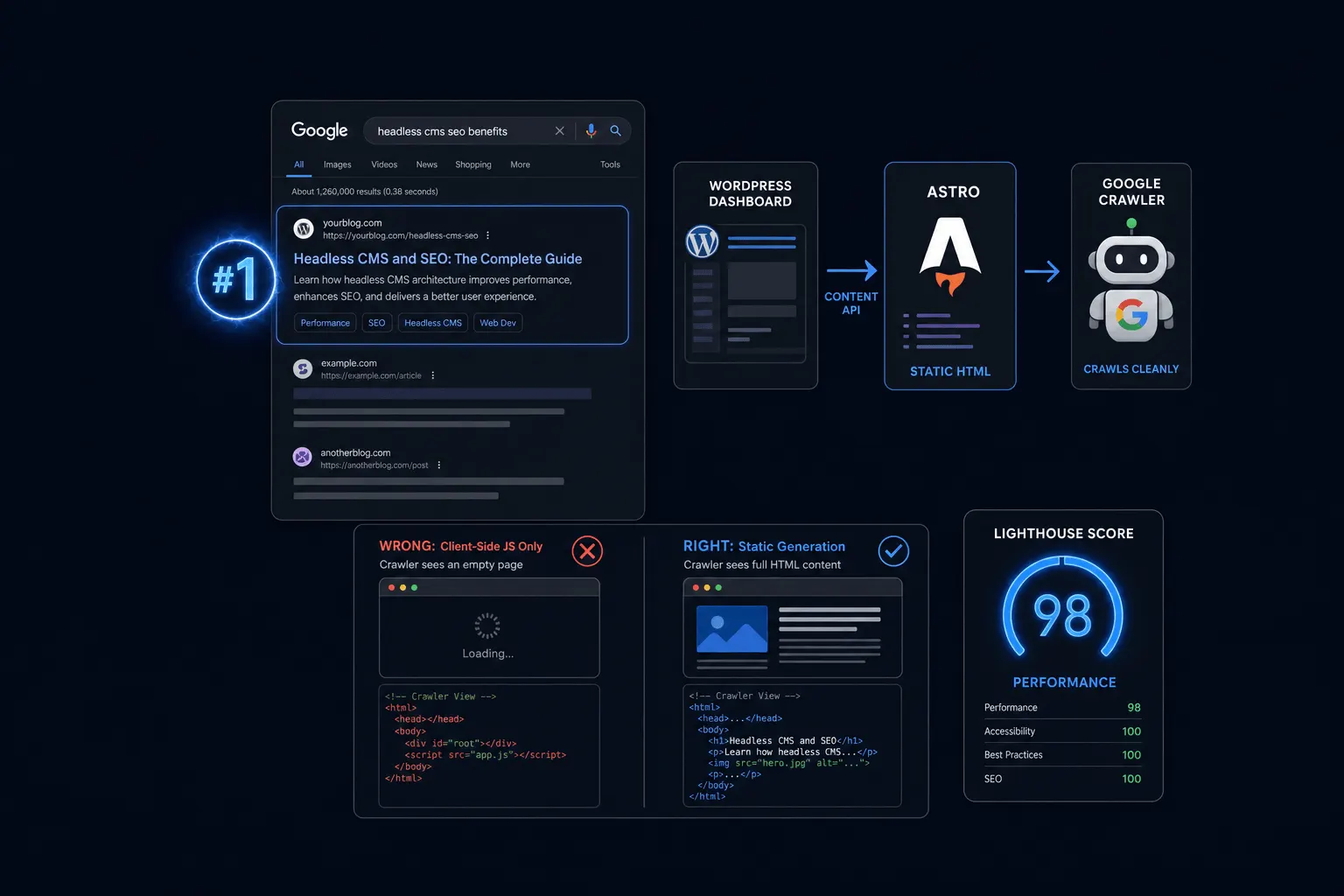
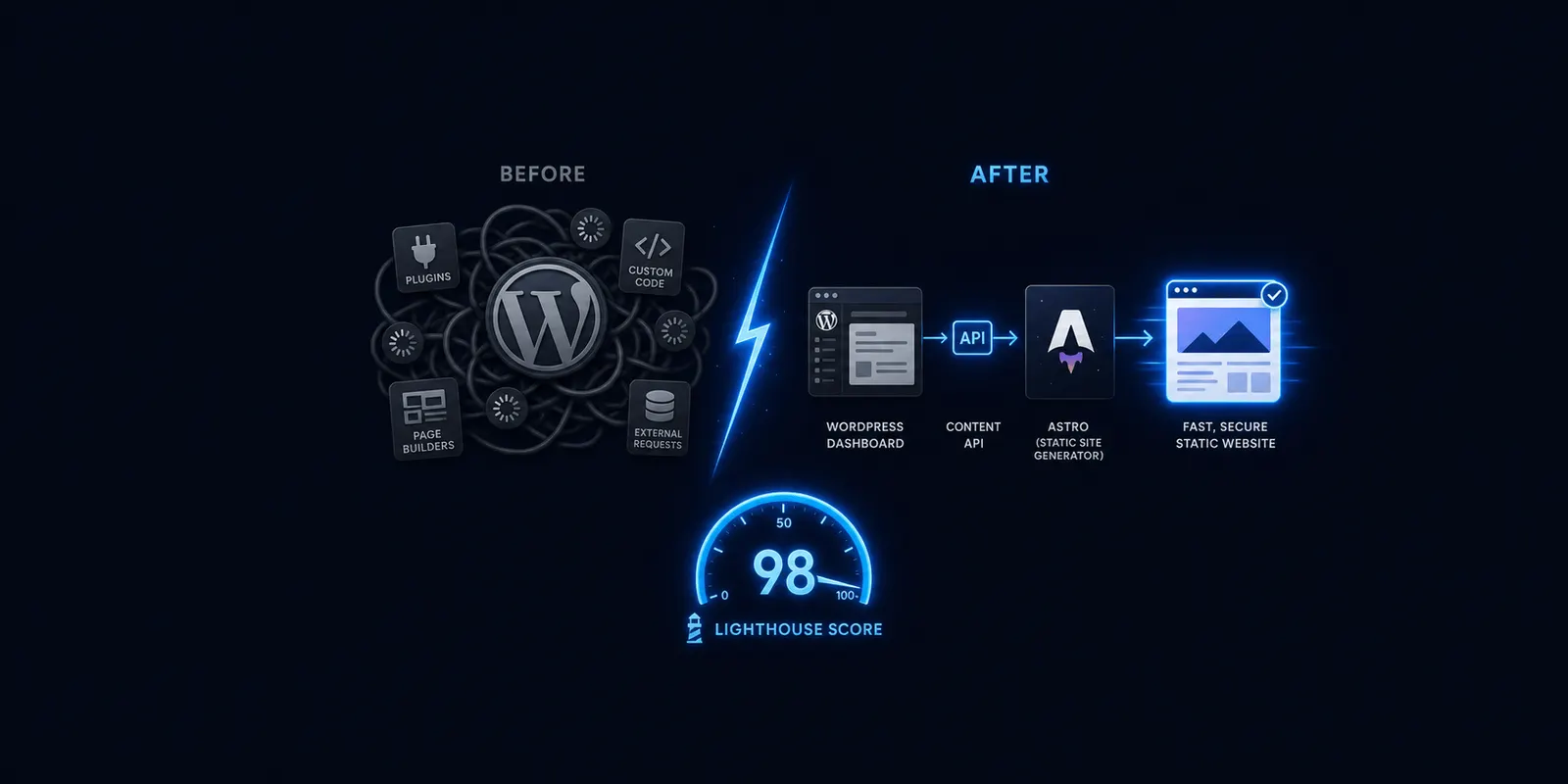
Pre-built, pre-rendered pages served from a CDN load faster than pages assembled fresh on every visit. This is the single most measurable benefit at small-business scale, and it’s not an abstract technical win.
Industry research puts real weight behind why speed matters commercially: roughly 53 percent of mobile visitors abandon a page that takes more than three seconds to load, and every 100 milliseconds of load time costs approximately 1 percent in conversions, based on widely corroborated web performance studies. A page loading in one second reportedly converts at 3.05 percent versus 1.08 percent at six seconds. I won’t restate the specific speed percentage used elsewhere on this site as a verified fact, since it hasn’t been backed by a current benchmark. What’s fair to say: headless architecture is built to load significantly faster than a typical WordPress theme assembling pages on demand.
2. A Smaller Security Footprint
Separating your content database from the public-facing front end means there’s less for an attacker to reach directly through the website itself.
WordPress plugins carry a documented history of vulnerabilities. WPScan’s vulnerability database lists 14 separate issues for the WPML plugin alone since 2020, and that’s one plugin among tens of thousands in common use. Several headless CMS vendors argue that decoupling the front end from the CMS admin and database meaningfully shrinks the attack surface, which is architecturally sound, though those vendors also have a commercial reason to make that case. I’d treat it as informed opinion rather than an independent audit. And to be clear, this reduces one category of risk. It doesn’t eliminate all security responsibility; you still need to secure the CMS admin itself.
3. Hosting That Handles Traffic Spikes Without Falling Over
Static, pre-built files served from a CDN handle a sudden traffic spike far more gracefully than a database-driven page that has to rebuild itself for every single visitor at once.
Picture a plumber’s “burst pipe” emergency page during a cold snap, or a local bakery getting mentioned on the evening news. That’s exactly the moment a business can’t afford its site to slow down or crash under the load, and it’s also exactly the moment a database-driven page is working hardest to keep up. Static architecture sidesteps that bottleneck by design, since the pages are already built before the traffic arrives.
4. A Redesign Doesn’t Have to Touch Your Content
Because content and design are separated, a future redesign can rebuild just the front end without re-entering or migrating years of blog posts, pages, and images.
Anyone who’s sat through a traditional WordPress redesign knows the dread of re-uploading images or fighting a content migration plugin that half-works. With headless, your content lives independently of whatever template is currently displaying it, so a redesign becomes a front-end project rather than a full content re-entry job. That doesn’t make redesigns free or instant, but it removes one of the more painful parts of the process.
5. One Set of Content, Multiple Uses Later
Content stored through an API can be reused elsewhere later, in an app, a different microsite, or a partner integration, without a rebuild.
I’ll be honest about this one: it’s the closest of the five to an enterprise-style benefit, and most small businesses won’t use it soon. But it’s a real option headless keeps open that traditional CMS makes harder. If you ever want a mobile app, a separate landing microsite, or a partner feed pulling from your existing content, headless means that content is already structured to support it, rather than trapped inside a WordPress theme.
Frequently Asked Questions
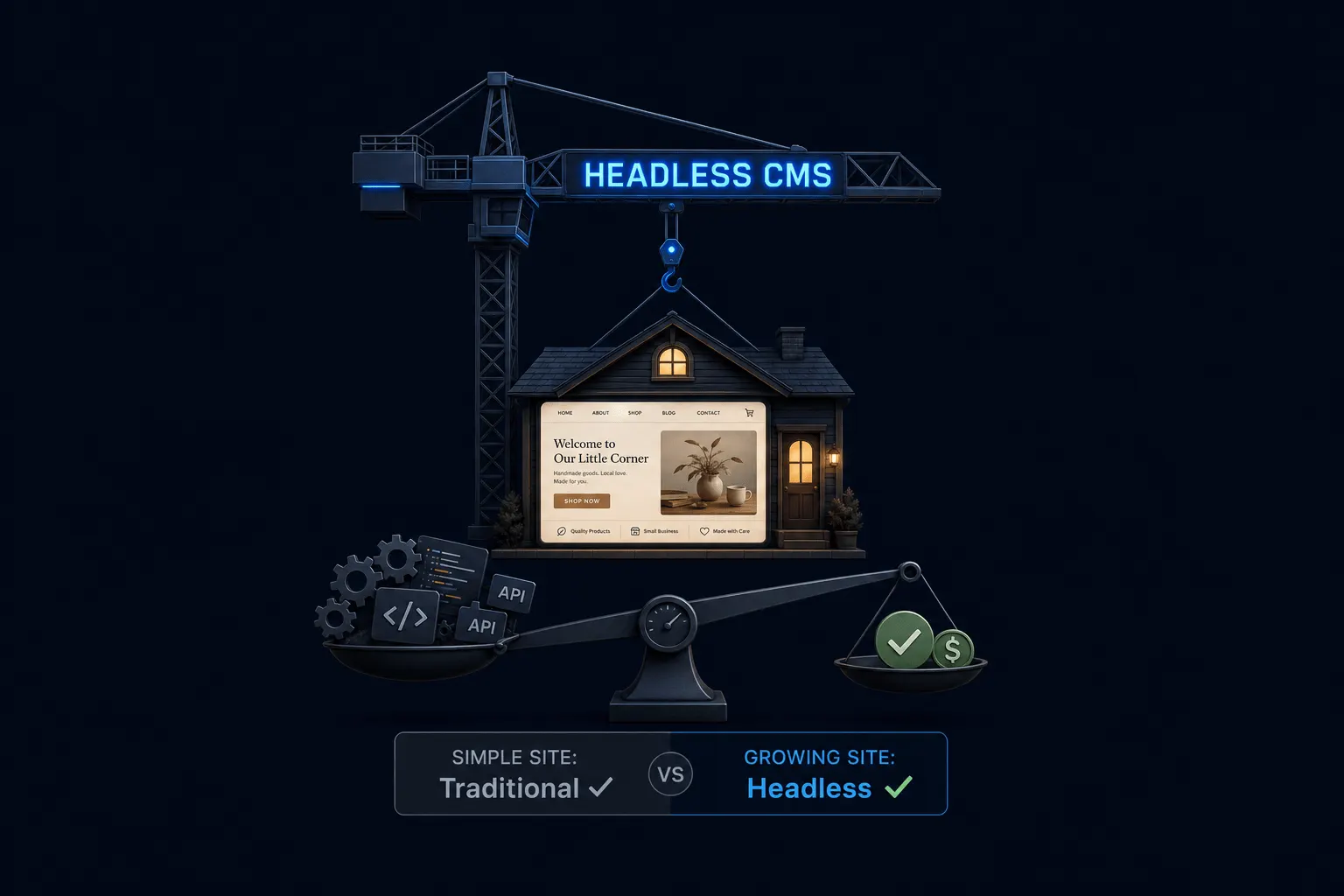
Is headless CMS worth it for a small website? It depends on how much your site’s speed, security, and growth actually matter to your business. A simple, low-traffic brochure site may not need it; a growing, content-driven business often benefits.
What benefits didn’t make this list? Omnichannel content publishing, multi-brand management, and headless commerce at enterprise scale. Those are real headless CMS benefits, just not ones a single small-business site typically needs.
The Bottom Line
The benefits that hold up at small-business scale are narrower than most published lists suggest, and that’s the point. Faster loads, a smaller attack surface, sturdier hosting under pressure, easier redesigns, and content that stays useful beyond your current website: those are real, and they’re worth weighing honestly against the added complexity headless brings. If you want the fuller comparison against staying on traditional CMS, read our head-to-head breakdown next.
Want to see how this plays out on a real plan? Check our plain-English hub post on headless CMS, or head straight to our pricing page to compare Orbit and Supernova.
Ready to put this into practice? Explore our web design services, view plans & pricing, or book a free consultation — no pressure, just honest advice.