Headless WordPress: Why We Run Our Own Site on It
Astrobot doesn’t just sell headless WordPress. It runs on it. This is the one post in our headless CMS series that isn’t explaining someone else’s architecture from the outside; it’s a first-hand account of our own production site.
That distinction matters more than it might sound like. Most content written about headless WordPress comes from a CMS vendor with an obvious reason to make the architecture look good, or from a developer blog with no small-business context at all. This is neither. It’s what actually changed when we moved our own site.
Key Takeaways: Astrobot.design runs on the same headless WordPress plus Astro stack we sell as our Supernova plan. This isn’t a hypothetical case study; it’s our own site. This post covers why we made that decision, what changed day to day, and how to check the real, current performance data for yourself, since we’d rather point you to a live tool than repeat an old or unsourced number.
Why We Moved Astrobot.design to Headless WordPress
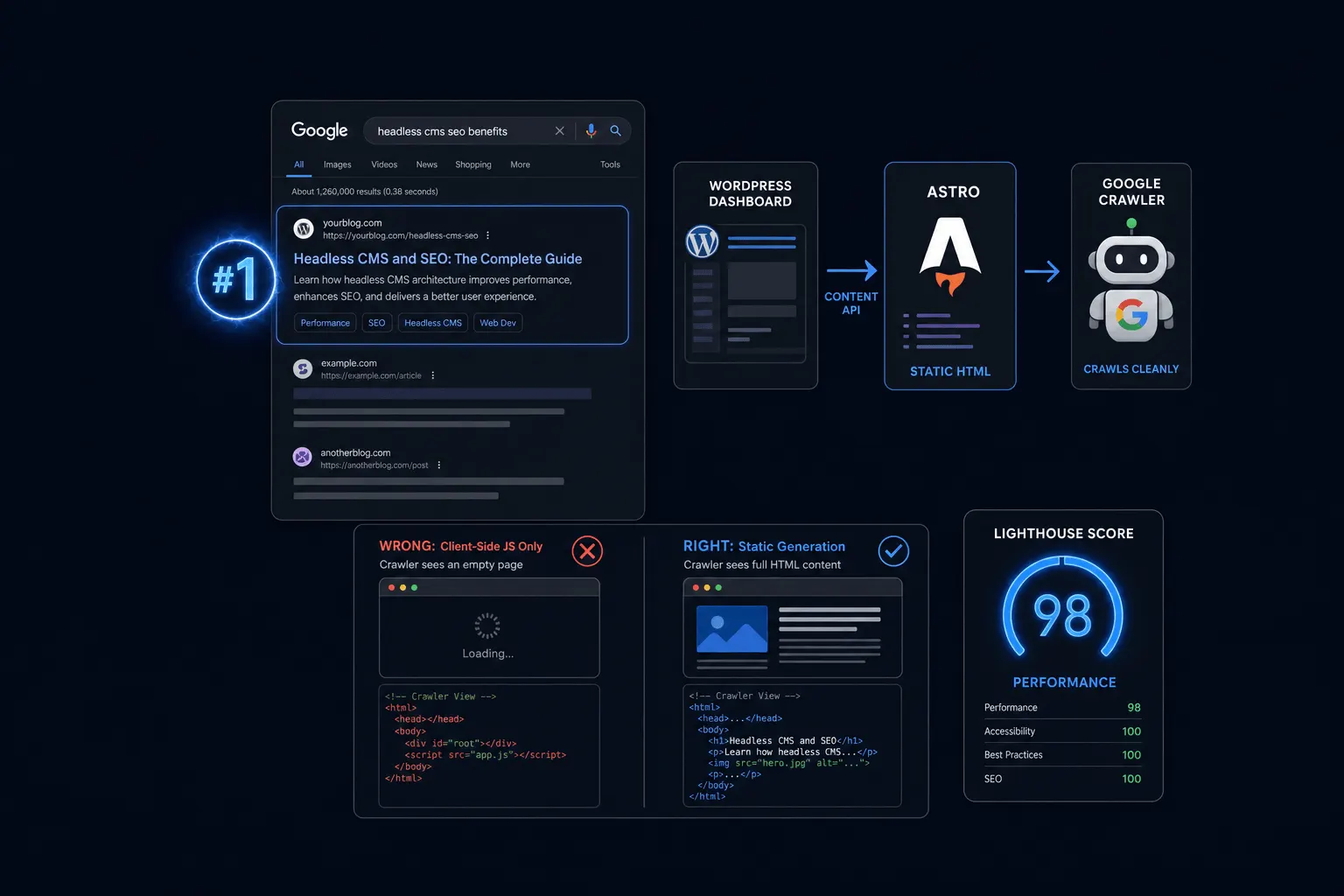
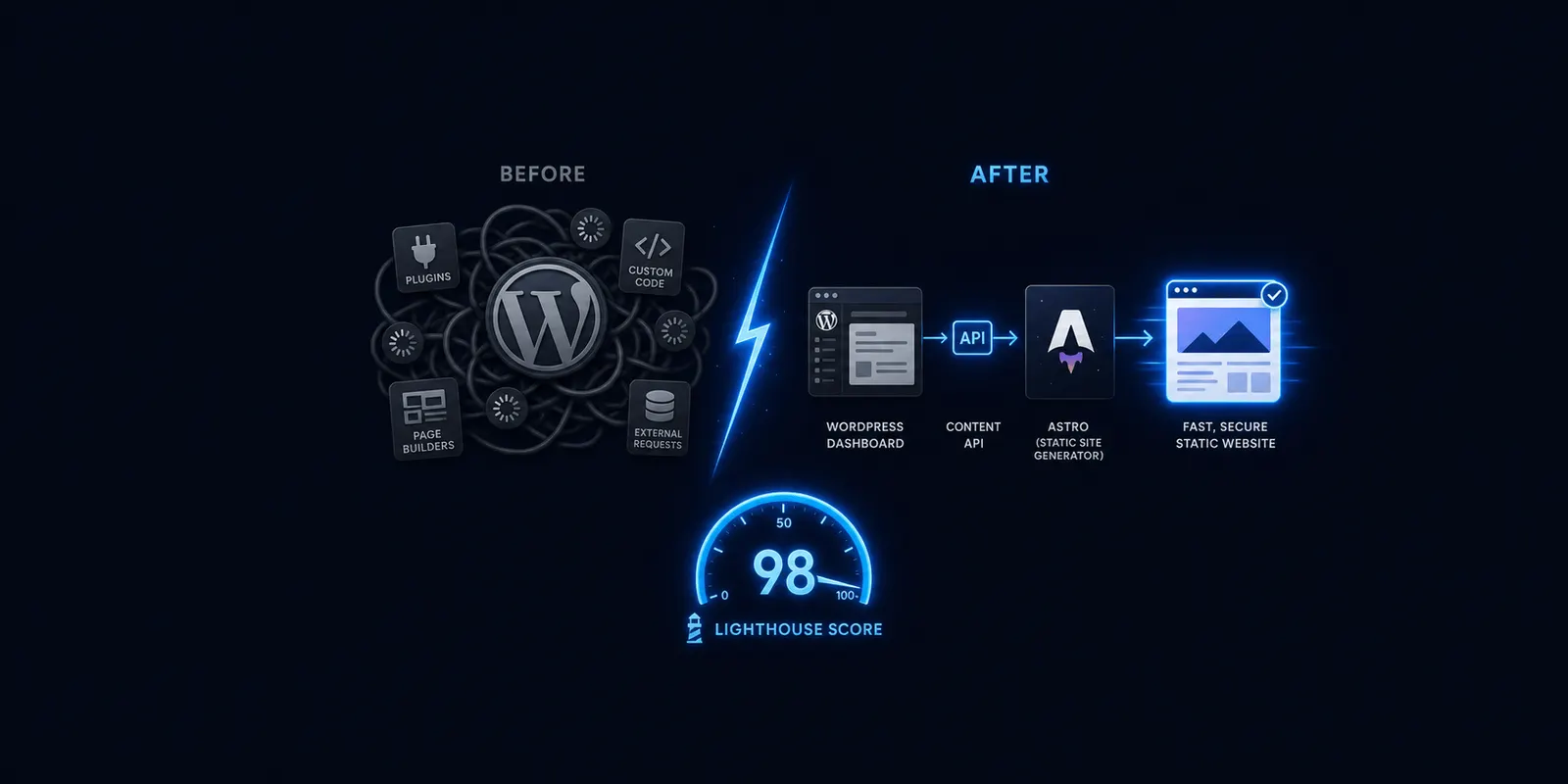
We wanted the WordPress dashboard our team and clients already know how to use, without the page-load weight a typical WordPress theme carries once you stack a real theme, plugins, and page builders on top of it.
I’ve built on WordPress for over twenty years, long enough to watch a lot of “faster theme” and “speed plugin” promises come and go without solving the underlying problem. Headless was the first approach that actually addressed it structurally instead of papering over it with another plugin.
I want to be honest about what this cost us to build, because it’s a real number, not a marketing line. This wasn’t a plugin install. Moving a site to headless WordPress with an Astro front end means real engineering work: setting up the API layer, rebuilding templates from scratch in Astro, handling redirects and URL structure carefully, and testing that every piece of content still renders correctly. If you’re picturing a toggle switch somewhere in the WordPress admin, that’s not what this is. It’s a genuine rebuild.
What Changed in Practice
Day to day, writing a blog post looks almost identical to before. We still log into WordPress, write in the same editor, add a featured image, and hit publish. That part of the workflow barely changed.
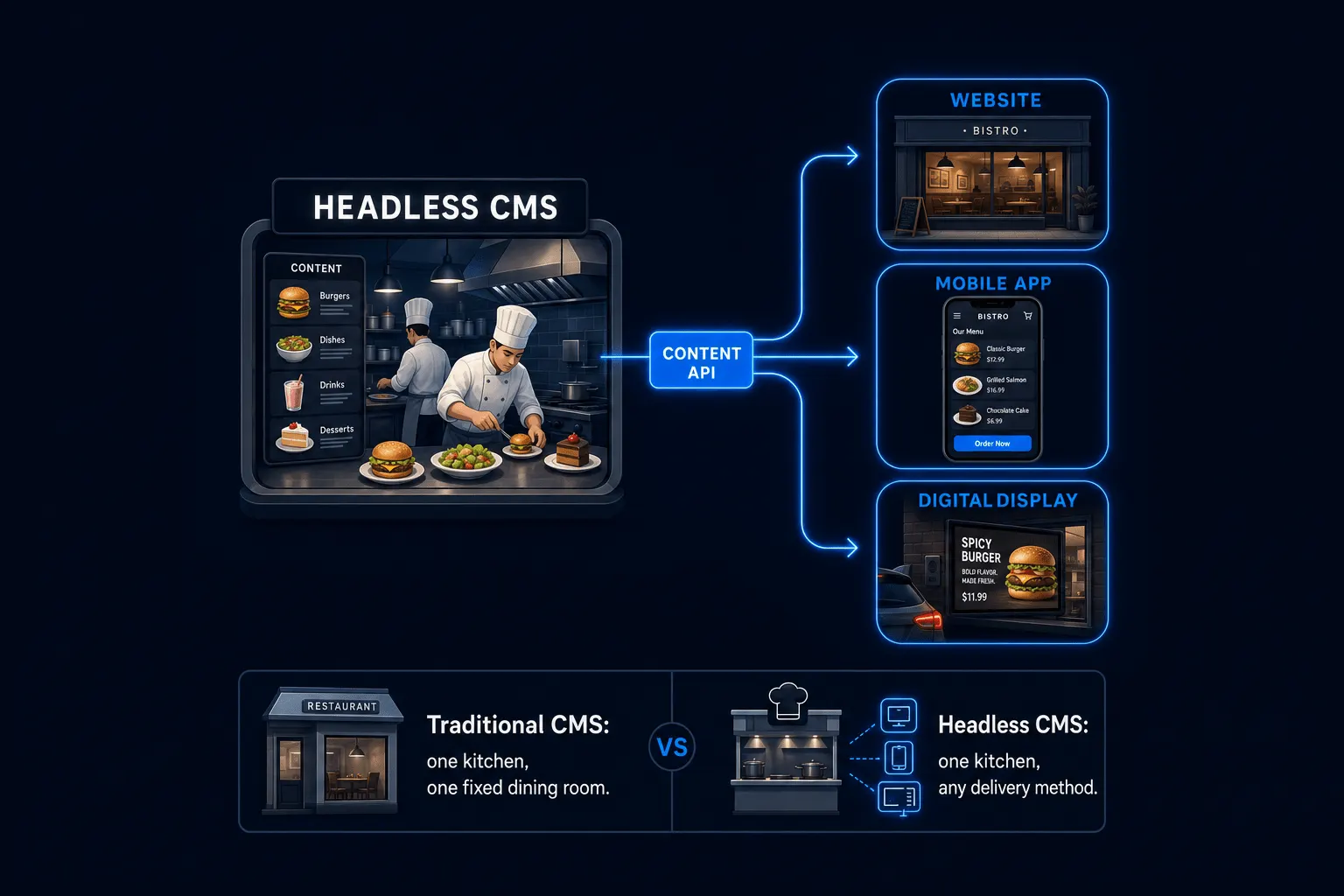
What did change: publishing isn’t instant anymore in the way it used to be. There’s a short build step between hitting publish in WordPress and the new page actually going live on the Astro front end, since the page has to be built before it’s served. It’s not a long delay, but it’s a real one, and it’s worth naming honestly rather than pretending the workflow is identical in every respect. Hosting setup changed too. Instead of one server running PHP and MySQL continuously, our live site is now served as static files from a CDN, with the WordPress installation handling only content storage and editing, not public delivery.
Design and layout changes route through a developer now instead of a theme customizer. For a design-and-development company, that’s a natural fit. For a client without in-house development, that’s exactly the trade-off we walk them through before recommending Supernova over Orbit, our traditional WordPress plan.
The Real Performance Numbers
Here’s where I want to be direct with you instead of quietly reusing a number from elsewhere on this site. You may have seen a specific speed percentage attached to our headless WordPress stack in other marketing copy. That figure hasn’t been backed by a dated, sourced Core Web Vitals or PageSpeed Insights benchmark against our current live site, and I’m not going to restate it here as if it has been.
What I can tell you honestly: our architecture is built, by design, for meaningfully faster load times than a typical WordPress theme assembling a page on demand. Industry roundups on JAMstack and static-site performance put typical real-world load times around 0.5 to 1.2 seconds versus 2.5 to 4 seconds for a standard WordPress setup, and basic static sites commonly score 95 to 100 on Lighthouse versus 40 to 70 for basic WordPress. Those are industry-typical ranges from vendor and agency comparisons, not measurements of our specific site, and I want that distinction to be clear rather than blurred.
For our actual, current numbers, I’d rather point you toward a real, sourced benchmark than repeat an unverified figure here. Run astrobot.design through Google’s PageSpeed Insights yourself, and you’ll see our live Core Web Vitals scores, dated the moment you check them. That’s a better source than anything I could quote you in this post, since it updates in real time and isn’t filtered through our own marketing. If Core Web Vitals as a ranking factor is new to you, it’s worth knowing that speed genuinely does affect search rankings, alongside content quality and backlinks, not as some marketing add-on.
Would We Recommend It for Every Client?
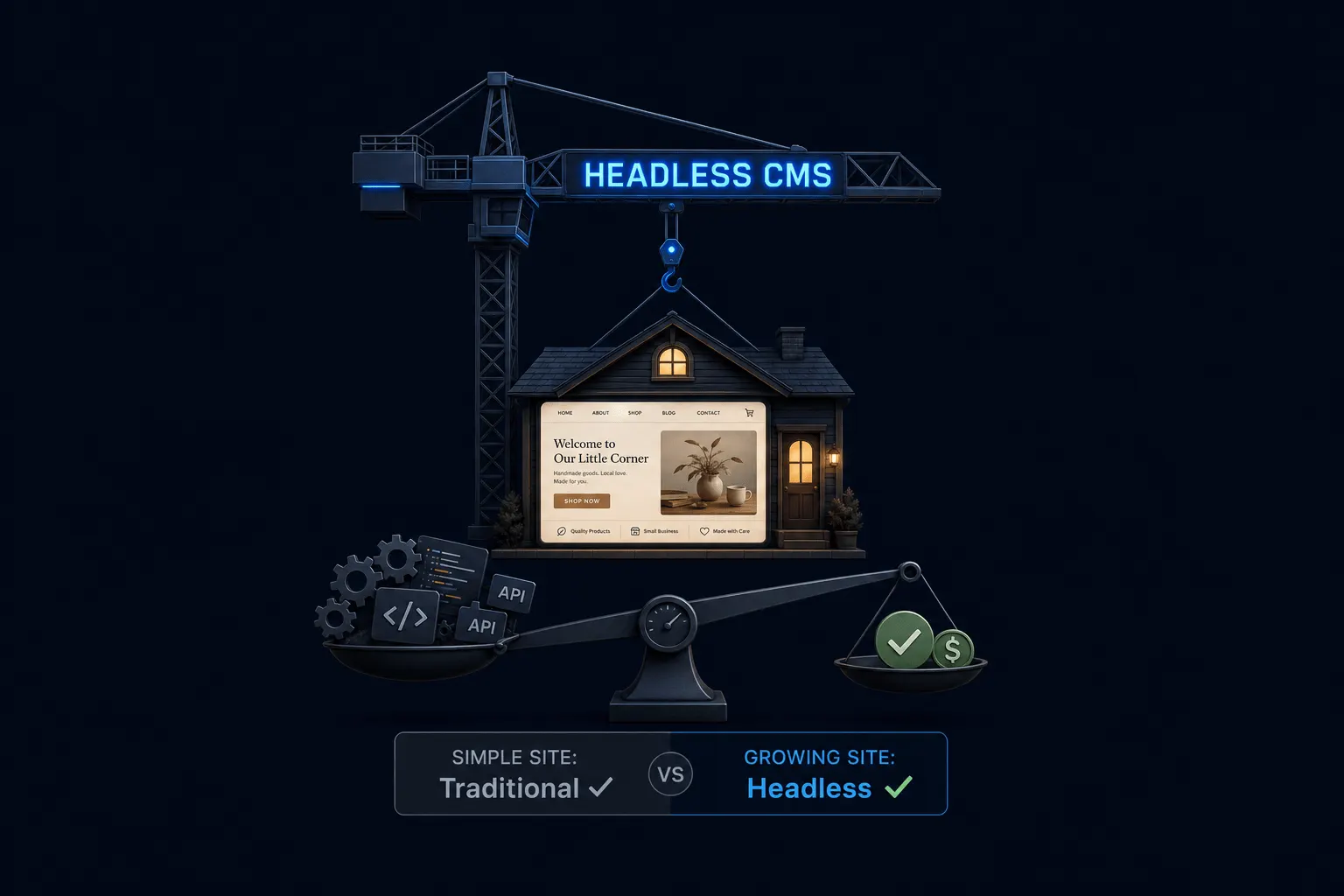
No, and I’d rather tell you that directly than let this post read like an ad for our own architecture. Headless makes the most sense for a business that’s actively publishing content, competing in a crowded local search market, or planning to grow the site significantly over the next year or two. It’s the case for us: a design and development company whose own website is effectively a live portfolio piece.
A five-page brochure site that gets updated twice a year doesn’t need this level of engineering behind it. We cover that fuller decision framework, including where we personally draw the line with clients, in our post on when headless CMS is overkill for a small business. If you’re earlier in understanding the concept itself, start with our plain-English breakdown of what headless CMS actually means.
Frequently Asked Questions
Does headless WordPress actually load faster? Architecturally, yes, based on how static, pre-built pages work. For our own current, dated numbers, check astrobot.design directly through PageSpeed Insights rather than relying on any percentage claim in marketing copy.
Is headless WordPress worth the switch from regular WordPress? For us, yes, given how content-driven and competitive our own space is. For a simpler site with low traffic and infrequent updates, it’s often not worth the added complexity; see our overkill post for the full breakdown.
The Bottom Line
We moved our own site to headless WordPress because it solved a real problem, a familiar editing dashboard weighed down by a slow front end, in a way plugins and theme swaps never fully could. It cost real engineering effort to build, added a short build delay to publishing, and moved design changes behind a developer instead of a customizer. Those are honest trade-offs, not asterisks. If you want to see the numbers for yourself rather than take our word for it, check astrobot.design’s live performance directly.
Curious whether this setup fits your own business? Our Supernova plan page covers what’s included, and our pricing page compares it against Orbit, our traditional WordPress option.
Ready to put this into practice? Explore our web design services, view plans & pricing, or book a free consultation — no pressure, just honest advice.