Headless CMS vs. Traditional CMS: What Actually Changes for You
Most “headless vs. traditional CMS” comparisons are written for a developer choosing between Contentful and Sanity, not for a business owner trying to figure out which operating model actually fits their site. WordPress alone runs somewhere around 42 to 43 percent of all websites, by most industry counts, which means most business owners are already living inside the “traditional” model without ever hearing that name for it.
This post skips the platform-shopping angle and answers the question you actually have: what changes if you move from one model to the other?
Key Takeaways: A traditional CMS builds and displays your website in one connected system. A headless CMS separates the two: you write content in a dashboard, and a separate program, often a static-site framework like Astro, builds the pages visitors see. The practical differences show up in three places: page speed, how content editing feels day to day, and hosting setup. Traditional is still genuinely fine for a simple, low-traffic brochure site. Headless earns its added complexity once speed, security, or growth start to matter more.
The Traditional CMS Model (WordPress-as-You-Know-It)
In a traditional setup, content, design, and hosting all live in one connected system. You log in, write a post, hit publish, and the same server assembles the page live for every single visitor who requests it.
This is why WordPress has stayed dominant for so long. It gives you a familiar dashboard, drag-and-drop theme editors, and a plugin ecosystem that’s tens of thousands deep, covering nearly anything a small business needs out of the box. That same all-in-one design is also the trade-off. It’s what makes a traditional site slower under load and more exposed to attack. Plugins carry a lot of that exposure directly. WPScan’s vulnerability database, for instance, lists 14 separate documented issues for the WPML plugin alone since 2020, and that’s just one plugin among thousands in common use.
The Headless Model
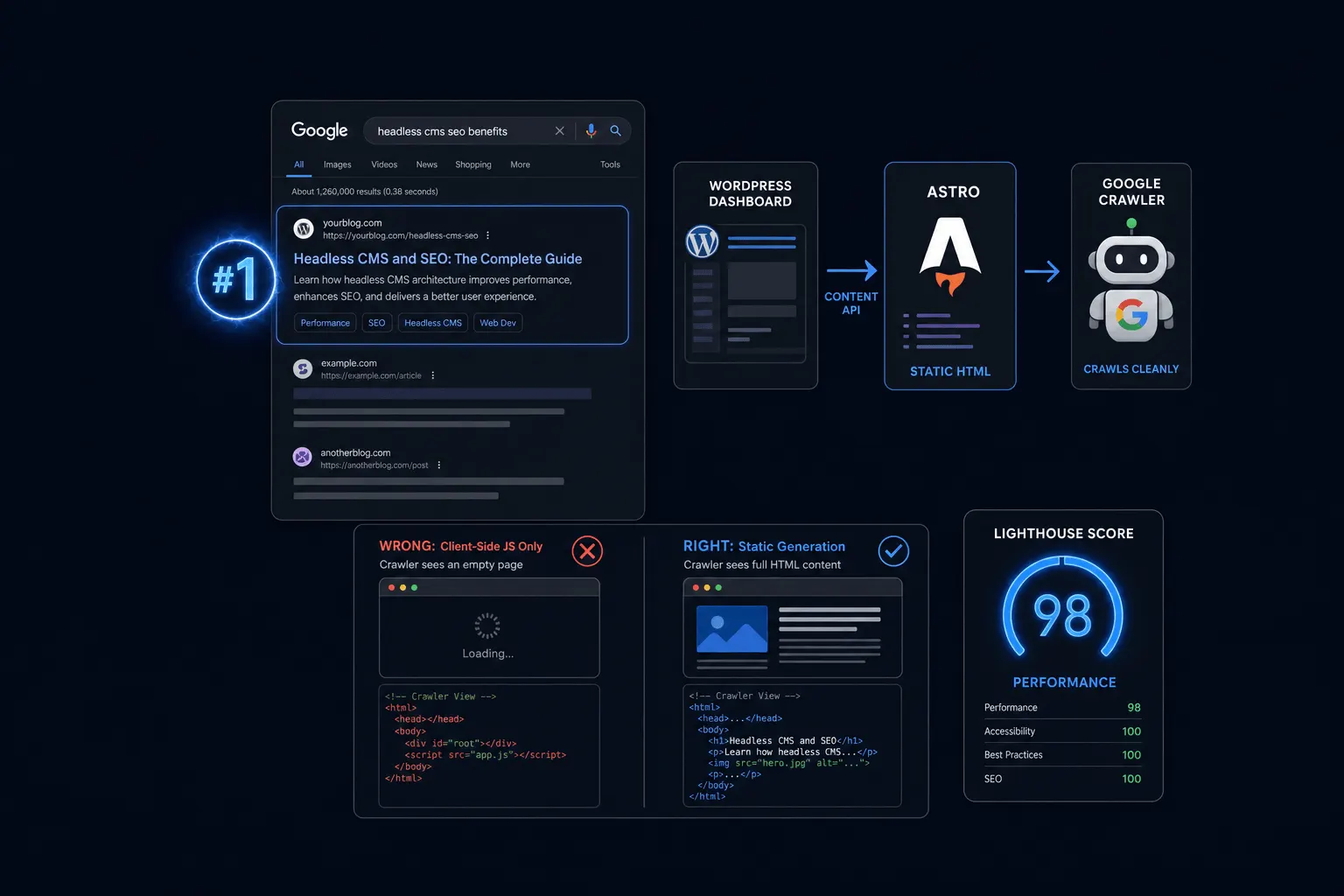
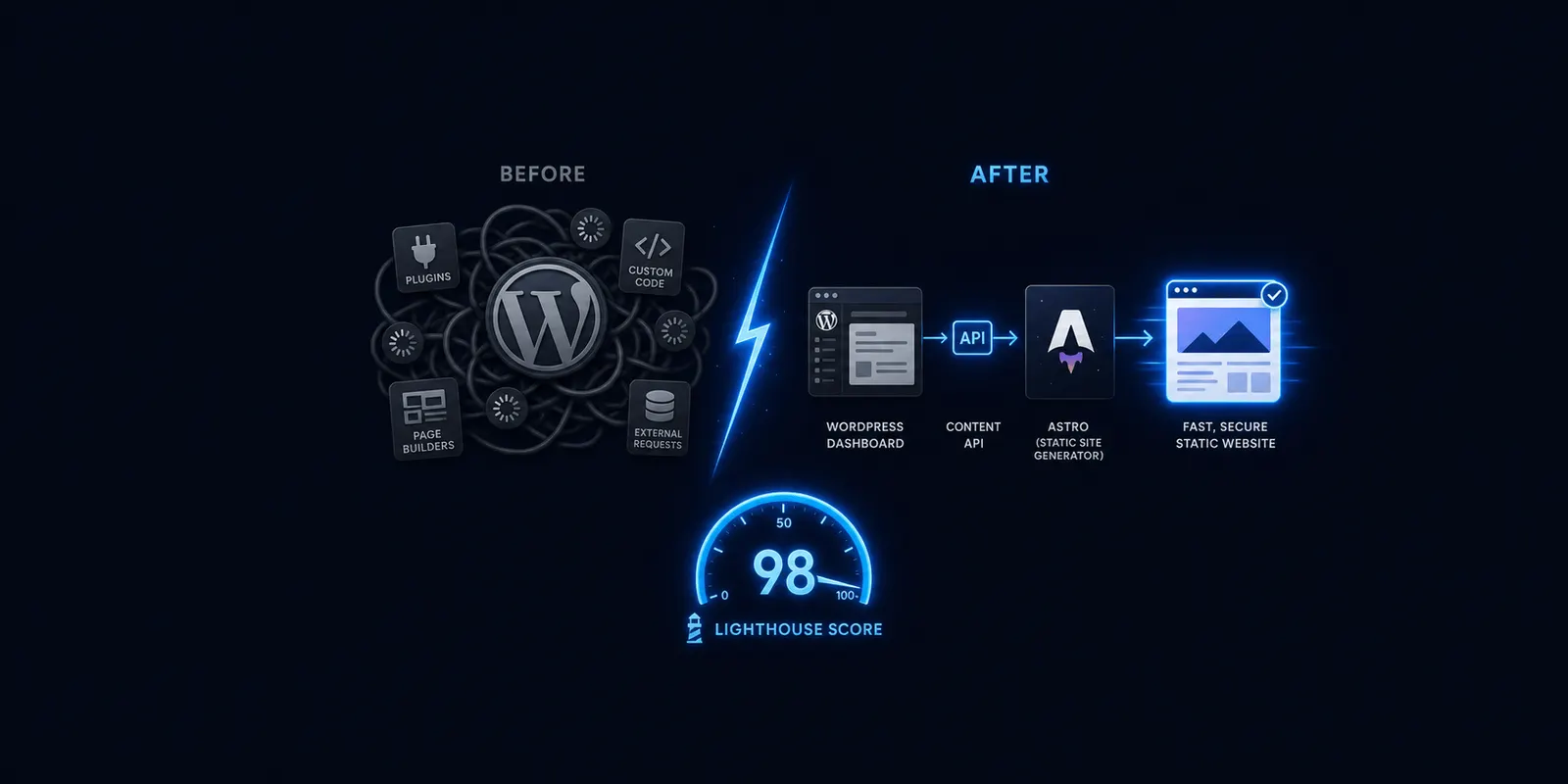
In a headless setup, content and presentation get split apart. A CMS, often still WordPress, stores and organizes your content. A separate front end, like Astro, requests that content through an API and builds the actual pages.
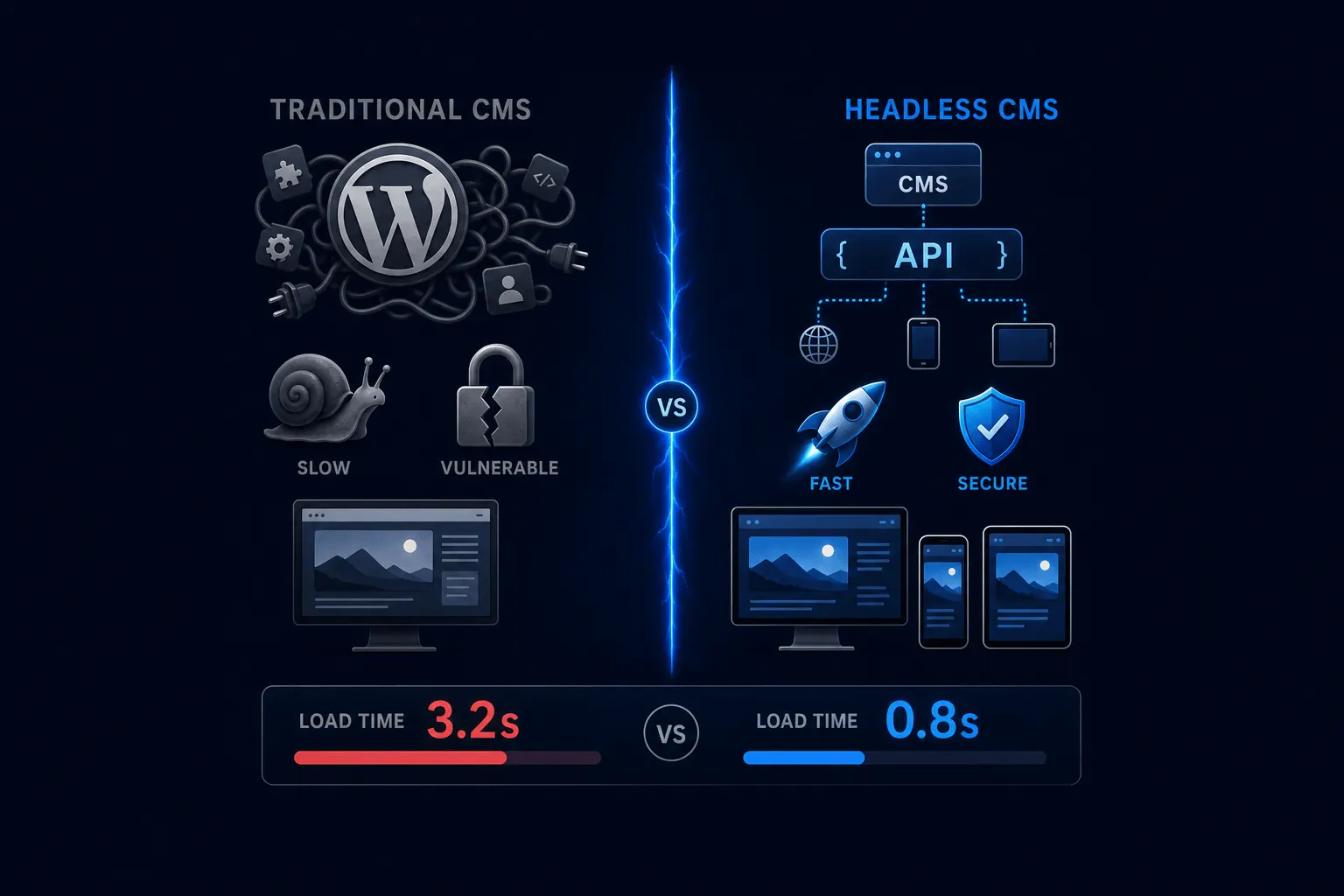
The key difference is timing. Pages are typically built ahead of time rather than assembled fresh for each visitor, and that’s where the speed difference comes from. Vendor and agency comparisons put real-world JAMstack load times around 0.5 to 1.2 seconds, against 2.5 to 4 seconds for a typical WordPress site. I’d treat those numbers as directional industry ranges rather than a single controlled study, since they come from agency blog roundups rather than one reproducible benchmark.
The Practical Differences That Actually Matter
| Dimension | Traditional CMS | Headless CMS |
|---|---|---|
| Speed | Page built on request, per visitor | Pre-built pages served from a CDN |
| Editor experience | Live WYSIWYG preview, drag-and-drop layout tools | Dashboard editing stays similar; new layouts typically need a developer |
| Hosting | Needs a server running PHP/MySQL continuously | Static output can be served from a CDN, often cheaper and more traffic-resilient |
Speed is the most measurable line in that table. Traditional builds pages on request; headless serves pre-built files from a CDN. This isn’t just an abstract technical preference. Industry roundups put the conversion cost of load time at roughly 1 percent lost for every 100 milliseconds of delay, a figure that’s held up across a long stretch of web performance research.
Editor experience is the one place headless genuinely gives something up, and I want to say that plainly rather than bury it. Traditional gives you a live preview and drag-and-drop tools out of the box. Headless typically loses that unless a visual-editing layer gets added on top, and new page templates usually need a developer. That’s a real cost, not a minor footnote.
Hosting is the quieter difference, but it matters for both cost and resilience. Traditional needs a server running PHP and MySQL continuously, every hour of every day, whether or not anyone’s visiting. Headless’s static output can be served from a CDN, which is part of why it tends to run cheaper and holds up better under a sudden spike in traffic.
When Traditional CMS Is Still the Right Call
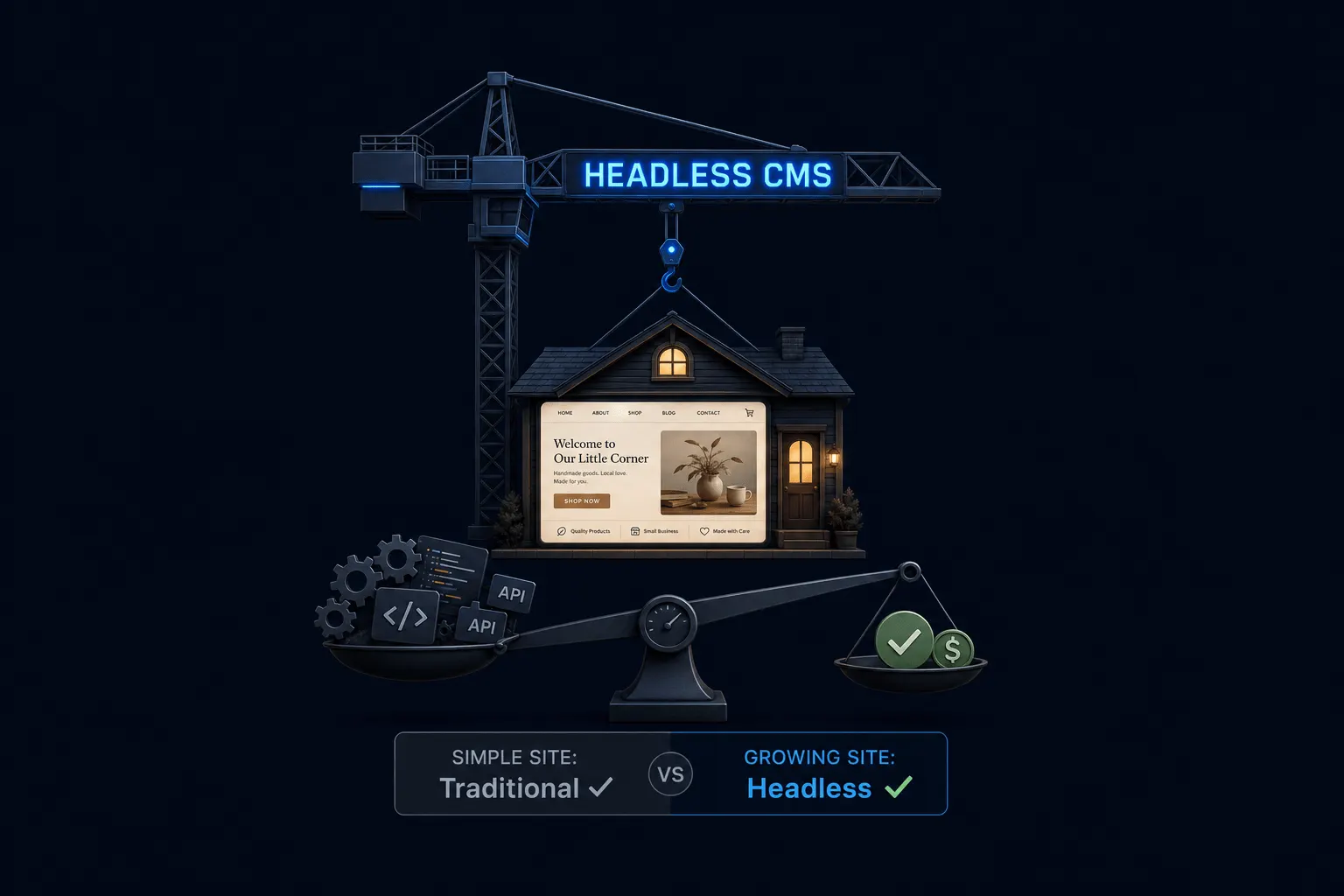
I’ll say this even though we sell both models: a five-page brochure site with low traffic and infrequent updates doesn’t need the added complexity headless brings. If your site rarely changes and speed isn’t costing you leads, traditional CMS is a perfectly sound, unembarrassing choice.
A business that leans heavily on plugin-driven functionality, like a complex booking system or a specific e-commerce setup, may also fit traditional better today. Headless plugin and integration ecosystems are younger, so some tools you’d expect to just work still take more custom development to replicate. If you want the fuller decision framework for making this call, we’ve laid it out in a dedicated post on when headless is genuinely overkill.
What This Looks Like at Astrobot
We run both models in production, which is a fairly rare vantage point in this space, since most headless-CMS vendors only have one architecture to sell. Orbit, our $49 a month plan, runs on traditional WordPress. Supernova, our $79 a month plan, runs headless WordPress with Astro as the front end. Same familiar dashboard for writing content, different engine underneath building the page.
I won’t tell you Supernova pages load a specific percentage faster than Orbit pages. That figure, used elsewhere on this site, hasn’t been backed by a real, current Core Web Vitals benchmark yet, and I’d rather point you toward one than repeat a number I can’t stand behind. What I can say honestly: Supernova is built, by architecture, for meaningfully faster load times than a typical WordPress theme. Our case study on running our own site headless covers the real, measured numbers.
Frequently Asked Questions
Is headless CMS better than WordPress? Not universally. Headless WordPress is still WordPress on the content side; “better” depends on whether your business needs the speed and security trade-off more than it needs simple, in-house editing flexibility.
Do I need a developer for a headless website? For day-to-day content editing, no. For new page layouts or structural design changes, usually yes, more so than with a traditional WordPress theme.
Is traditional WordPress still a good choice? Yes, for a lot of businesses. A simple, low-traffic site with infrequent updates and no urgent speed or security pressure genuinely doesn’t need headless’s added complexity.
The Bottom Line
Neither model is objectively better. Traditional CMS gives you an all-in-one system that’s simple, familiar, and genuinely fine for a lot of small business sites. Headless trades some of that day-to-day editing simplicity for speed, a smaller attack surface, and hosting that holds up better under pressure. The right call depends on how much your site’s speed and growth actually matter to your business, not on which one sounds more modern.
If you want the fuller explanation of how headless works before deciding, start with our plain-English breakdown of what headless actually means. If you’re ready to compare plans directly, our pricing page lays out Orbit and Supernova side by side.
Ready to put this into practice? Explore our web design services, view plans & pricing, or book a free consultation — no pressure, just honest advice.