Website Builder Hidden Fees: What Wix and Squarespace Don't Advertise
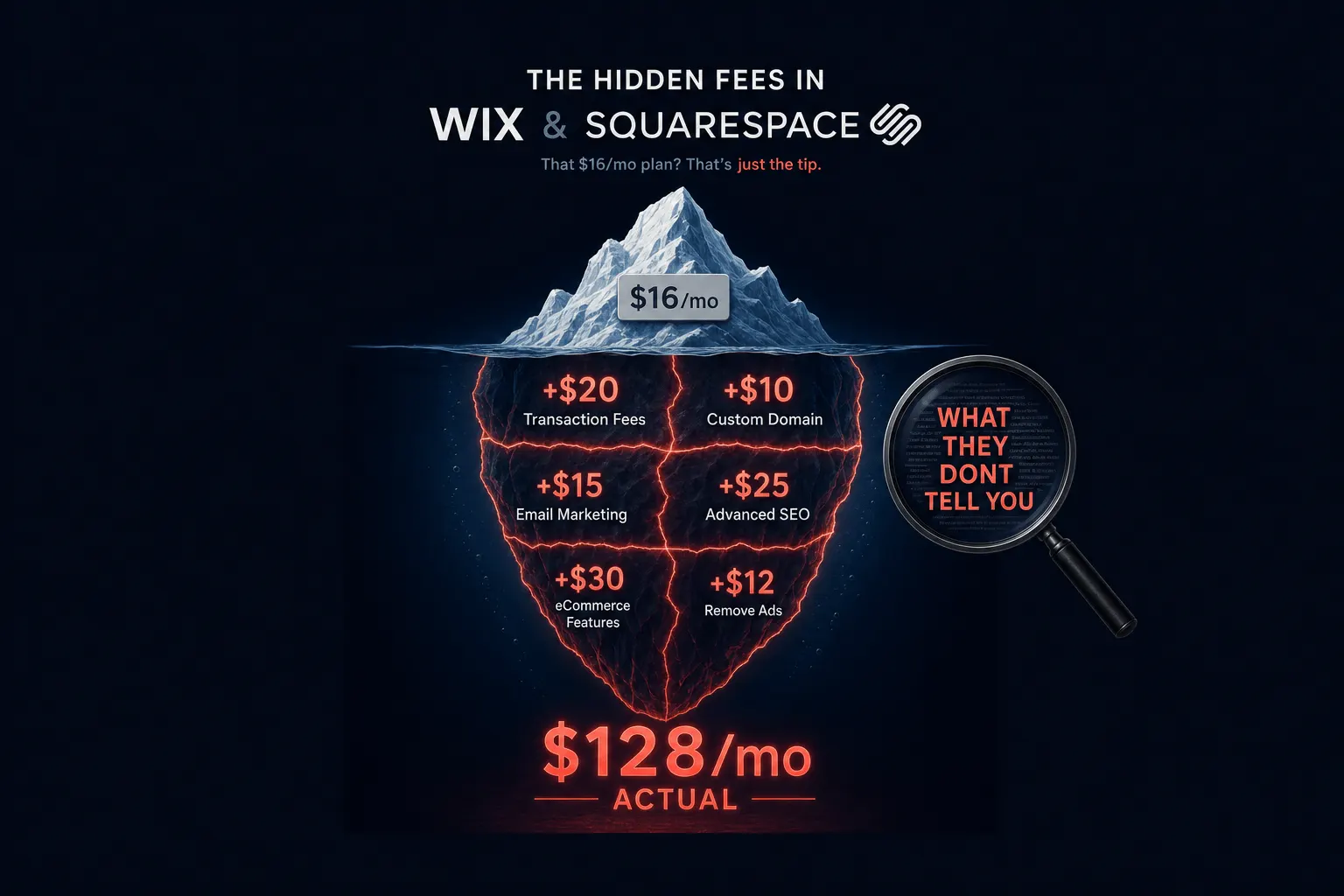
Wix’s Light plan advertises $17 a month. Squarespace’s Basic plan advertises $16. Neither number is wrong, exactly, but neither one is what most small businesses actually end up paying once the site is live and doing real work: selling something, storing a product video, renewing a domain past year one.
I went through both companies’ current pricing pages line by line for this piece. What follows is the itemized version of what a working small-business site really costs on each platform, not the marketing version.
Key Takeaways: Wix and Squarespace advertise plans starting around $16-29 a month, but the advertised price rarely reflects what a working small-business site actually costs. Transaction fees (up to 4% on lower Wix tiers), premium app subscriptions ($10-100/month), video storage limits that force an upgrade, and domain renewals ($15-70/year after the free first year) can push the real annual cost well past the sticker price.
Advertised Price vs. Real All-In Cost
Start with the base numbers. Wix’s mid-tier Core plan runs about $29 a month; Squarespace’s equivalent Core plan runs about $29 a month too, per both companies’ current 2026 pricing pages. Add a typical business need, taking payments, storing a short product video, keeping the domain past year one, and that $29 stops being the number that matters.
I’d rather send you to Wix.com and Squarespace.com to confirm today’s exact tier pricing than repeat a number here that either company can change without warning. Squarespace restructured its whole tier system recently, and Wix has adjusted pricing before too. What follows holds up regardless of the exact dollar figure on the day you read it: the categories of hidden cost stay consistent even when the specific numbers move.
Transaction Fees
Wix charges a 4% transaction fee on its Core plan, dropping to 2% on the Business plan, and only disappearing entirely on the $159-a-month Business Elite tier, according to WebsiteBuilderExpert’s 2026 Wix pricing breakdown. Standard payment processing, 2.9% plus $0.30 per transaction, applies on top of that, regardless of tier.
Squarespace charges 2-3% on its Basic plan only; the Plus and Advanced tiers reduce that transaction fee but cost $49 and $99 a month respectively to get there. Either way, the fee is real money, not a rounding error. On $3,000 a month in sales, a 4% Wix transaction fee alone works out to $120 a month, more than the plan itself costs.
App and Plugin Costs
Neither platform bundles real functionality, advanced booking, email marketing, inventory management, into its base price. Premium app subscriptions commonly run $10-100 a month depending on what the business actually needs, per WebsiteBuilderExpert’s hidden-costs breakdown. That’s a directional range, not a precise number, because it depends entirely on which features your business requires.
Squarespace’s closed app ecosystem makes this worse in one specific way: there’s no open marketplace of competing third-party alternatives the way an open platform would have, so there’s less price pressure keeping those add-on costs down.
Storage and Domain Costs
Video storage is a real constraint on lower tiers. Wix caps storage at 2GB on its entry plans; Squarespace’s Basic plan caps stored video at 30 minutes, rising only on higher tiers. A business that wants to add even a short product demo video may need to upgrade a full tier just to fit it.
Both platforms include a free domain for the first year only. Renewal runs roughly $14.95 a year on Wix and $20-70 a year on Squarespace depending on the domain extension, based on current vendor pricing. It’s a small number individually, but it’s not in the advertised monthly price either.
Only the top tier on either platform, Wix Business Elite at $159 a month or Squarespace Advanced at $99 a month, removes most of these limits. Which is worth noticing on its own: the “cheap DIY” pitch mostly holds at the entry tier and erodes considerably by the time you need the tier that actually removes the friction.
Total Cost Comparison Table
| Category | Wix (Core + typical add-ons) | Squarespace (Basic/Core + typical add-ons) | Astrobot Subscription |
|---|---|---|---|
| Base plan | ~$29/mo | ~$16-29/mo | $49/mo (Orbit) or $79/mo (Supernova) |
| Transaction fees | 4% + 2.9%+$0.30 processing | 2-3% on Basic only | None |
| Typical add-on apps | $10-100/mo | $10-100/mo | Included |
| Domain renewal (after year 1) | ~$14.95/yr | $20-70/yr | Varies by plan |
| Ongoing site changes | Self-managed | Self-managed | Included in the rate |
This isn’t “DIY is a scam.” It’s that the advertised number and the realistic number are two different things, and only one of them is on the pricing page. Once you add up transaction fees, app subscriptions, storage upgrades, and domain renewals, a working small-business site on Wix or Squarespace often lands well past the sticker price you saw when you signed up.
Frequently Asked Questions
Does Wix charge transaction fees on every plan? No. It’s 4% on the Core plan and 2% on the Business plan. Only the top-tier Business Elite plan, at $159 a month, removes the fee entirely.
Does Squarespace charge transaction fees? Only on the Basic plan, at 2-3%. Higher tiers reduce the separate payment processing fee but don’t eliminate it entirely.
Is the free domain from Wix or Squarespace really free? For the first year only. After that it’s a separate annual renewal charge on both platforms, so budget for it past year one.
What’s the realistic all-in cost of a small business site on Wix or Squarespace? It depends heavily on your tier and which add-ons you need, but it commonly runs well above the advertised base price once transaction fees, apps, and domain renewals are factored in.
The Bottom Line
Wix and Squarespace aren’t hiding anything illegal, everything in this piece is disclosed somewhere on their pricing and terms pages. But “somewhere on the pricing page” and “in the $17-a-month headline” are two very different levels of visibility, and most people budget off the headline.
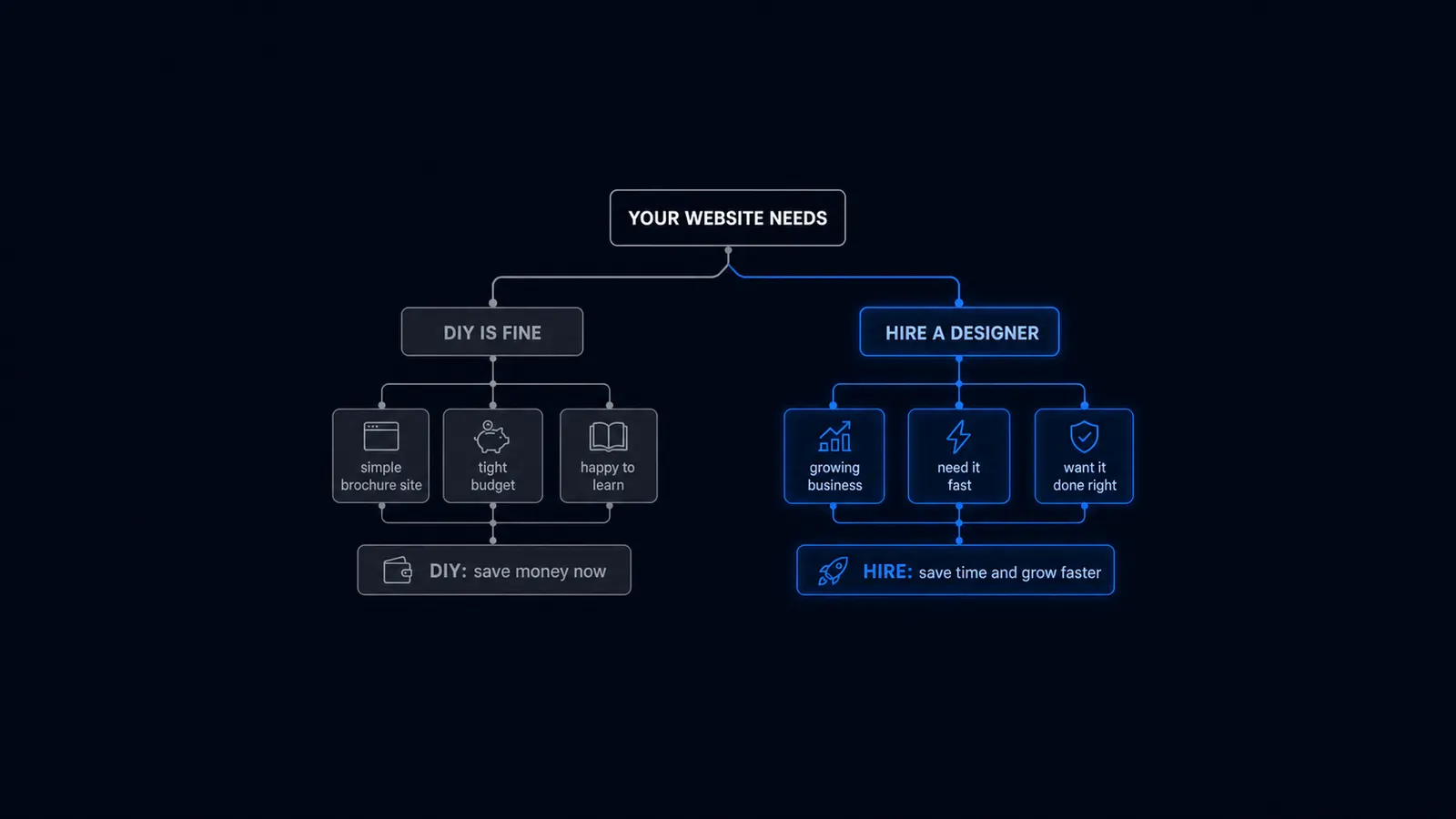
If you’re evaluating a DIY builder, add up the base plan, a realistic transaction fee estimate based on your expected sales, the apps you’ll actually need, and domain renewal, before you compare that total to any other option. The advertised price alone isn’t a fair comparison to anything. For the fuller decision, not just the fees, see DIY Website vs. Professional for when DIY makes sense in the first place.
If you’d rather know your full monthly cost upfront with no transaction fees or surprise renewals, see how Astrobot’s flat-rate plans compare once everything is actually included.
Ready to put this into practice? Explore our web design services, view plans & pricing, or book a free consultation — no pressure, just honest advice.